Showing posts with label photoshop. Show all posts

Sunday, 29 January 2012

Me, myself and I

I always wanted to have a go at this and I finally know enough Photoshop tricks to have a go.

Plus, it's Sunday and I honestly have NOTHING better to do...

Me, myself and I

Thursday, 26 January 2012

Cutting edge fruit and veg

This one time... in photography class... we harnessed the power of Photoshop to make a fruit dude through the power of selection (marquees, lasso, polygonal lasso, magnetic lasso and a wave of the magic wand):


Isn't he wonderful? I love him; he's right up there with my sock monkey.

Tuesday, 25 October 2011

Photographer's dilemma

Since I have taken photography more seriously and started to learn new skills, I've struggled with this dilemma:

Does post processing destroy the ethos of photography?

Digital post processing can certainly encourage a lazy approach to photography with the power of camera RAW. Certain features of someone’s face are permanent; part of who they are but often airbrushed away. Equally, photographs you wouldn't look twice at in their original format are often transformed by post processing.

Some photographers regard post processing as photographic heresy... I've not made my mind up yet but I find it hard to rule post processing out completely when it can come to the rescue of an image like this:

Before - the bright, overexposed sky has been 'blown out' due to the darker tones across the majority of the image

After - the wonders of post processing (thank you Dave for teaching me what that strange little wand tool is all about...!)

But what do you think?

Sunday, 16 October 2011

RRRAW - first foray into Photoshop

This week I took my first ever shots in RAW and there's no going back... 4,000 brightness levels versus 256 is a no-brainer but the resulting file size is going to play havoc with my trigger happy tendencies. Methinks I might need to purchase an enormo-memory card.

I've always had an issue with Photoshop. I can tinker with contrast, brightness and saturation levels but I reckon I only understand about 1% of what it can do. There are too many windows, toolbars, buttons, sub-buttons hiding inside other buttons... it scares me.

I planned to get out on campus and take some dramatic wide angle RAW shots of the Whitworth Building but Manchester did what it does best ALL week so I'm afraid I ended up with a pot plant instead.

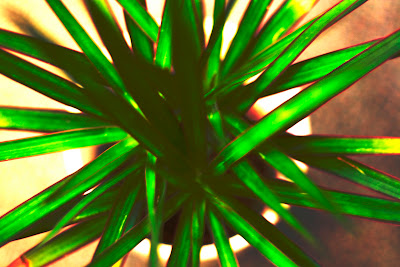
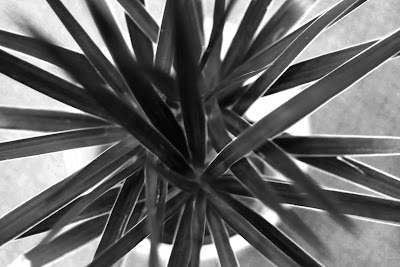
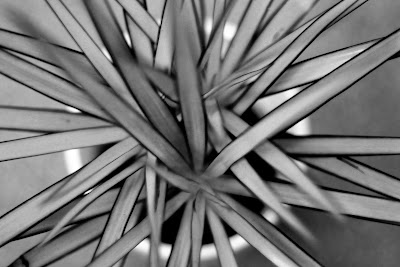
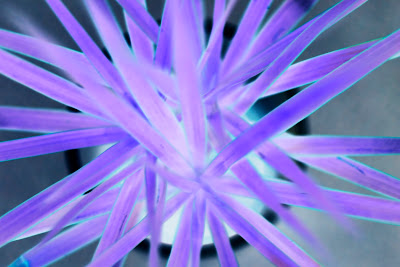
This week's class was a real eye-opener for me. Here's the results of manipulating the RAW image in Photoshop:
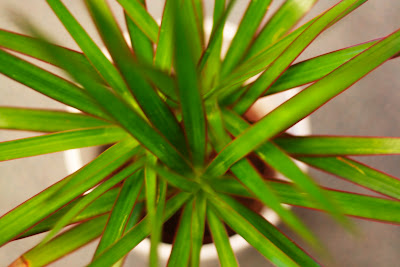
Applying an s-curve accentuates the highlights and lowlights

A more extreme s-curve creates a retro feel

Playing around with saturation levels, picking up on the red edges of the plant

As before but this time picking up on the green in the image

Just for fun ;)